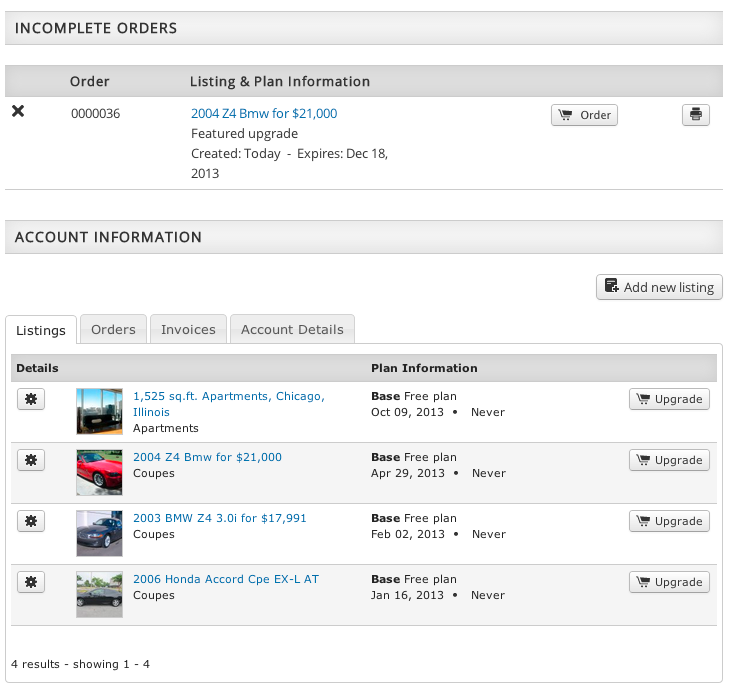
On the My Account page users can manage their listings, orders, invoices, account details, etc.
To create the My Account menu item, follow these steps:
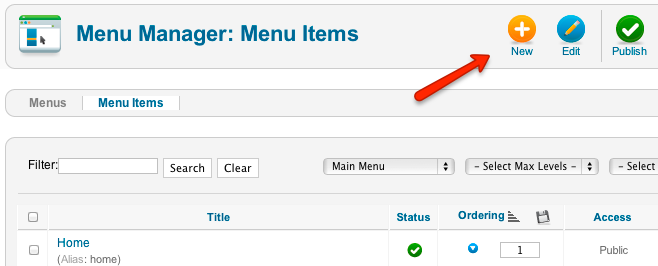
- Go to one of your menus in Joomla Menu Manager (User Menu is recommended) and click the New button:
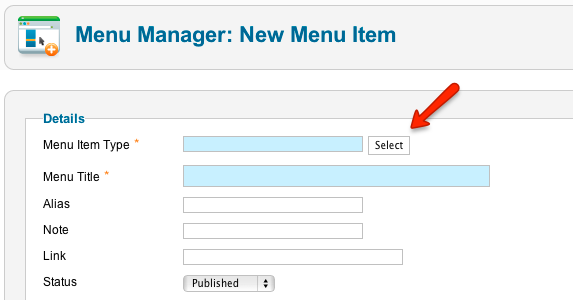
- Next click the Select button:
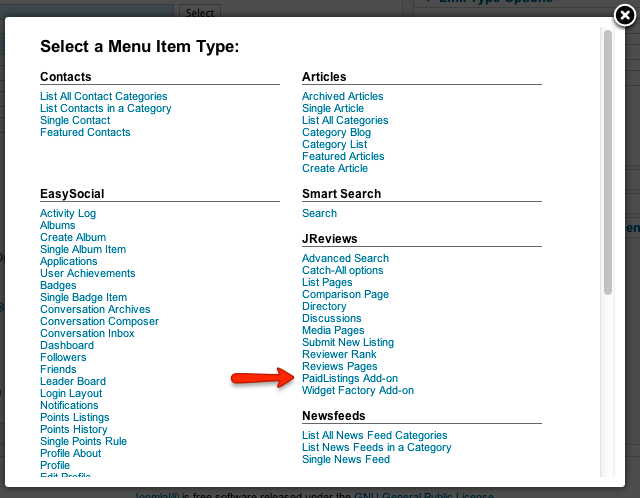
- Choose PaidListings Add-on as menu item type:
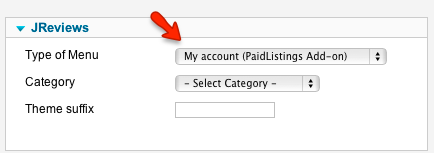
- Enter the name of the menu item and in the parameters select My Account (PaidListings Add-on) as Type of Menu:
- Select Registered in the Access parameter because only logged in users are supposed to access the My Account page:
Here is an example of the My Account page: